
A Glossary is a set of preferred translations for specific terms — brand names, drug names, regulatory language, or any terminology your organisation needs rendered consistently across languages. When a Glossary is applied during translation, Arcane uses your defined terms instead of relying solely on the translation engine.
Glossaries apply to file translation in My Files. When a Glossary is configured for a language pair, it is applied automatically when you translate a file in that pair. Selecting a Glossary is always optional.
Private and Public Glossaries
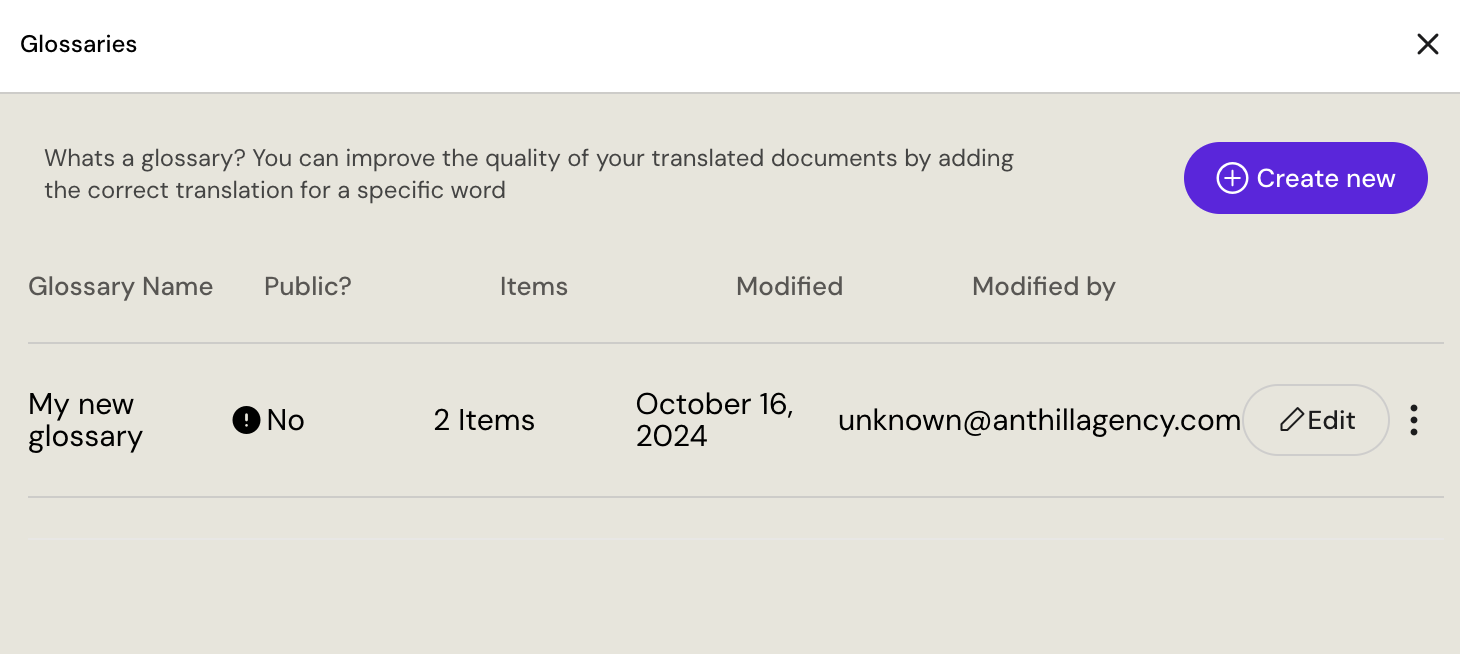
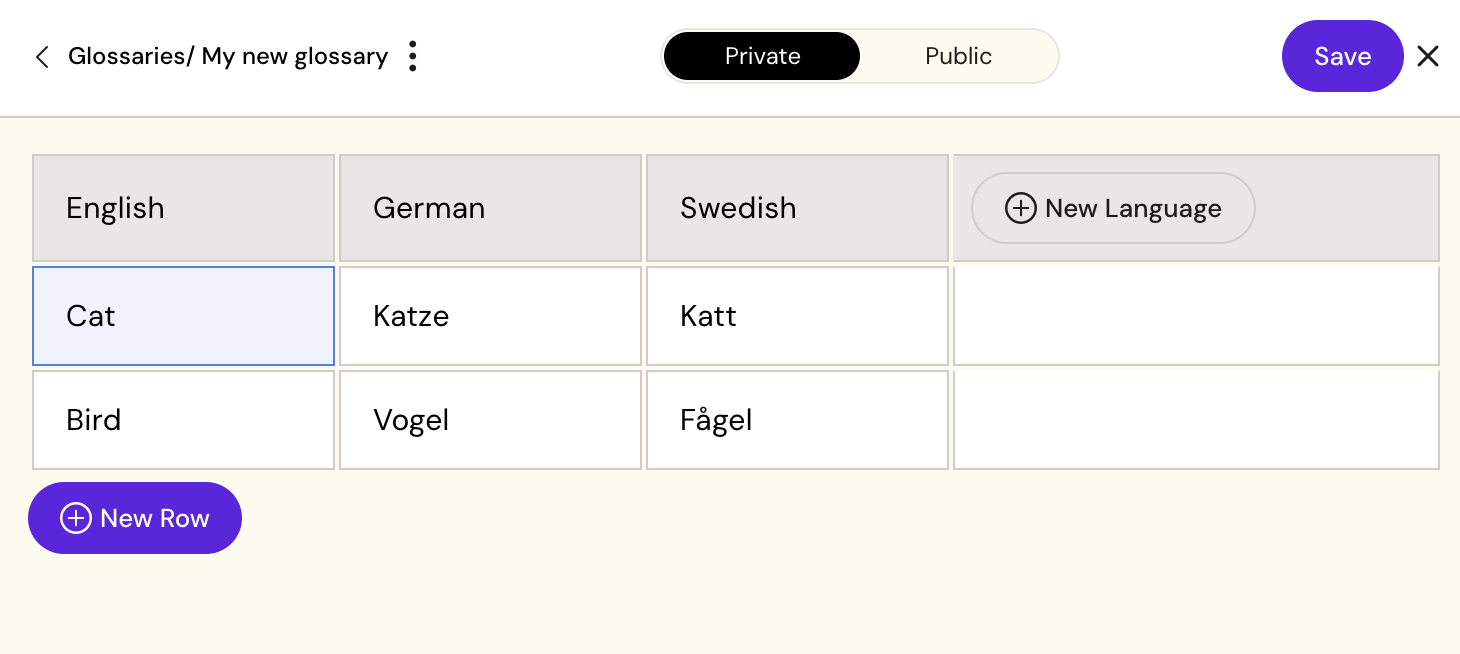
Glossaries can be set as Private or Public.
-
Private — visible only to you. Only you can use or edit it. Glossary Editors can apply their own Private Glossaries during translation, which is useful while building or refining terminology before publishing.
-
Public — published and available to everyone in your organisation for translation. Any user with the Glossary Editor role can edit Public Glossaries.
You can change the visibility of any Glossary you own at any time in the editor. See Private & Public Glossaries for the typical Private → Public workflow.
Creating a Glossary
-
Open the User menu (top-right corner) and select Edit Glossaries.
-
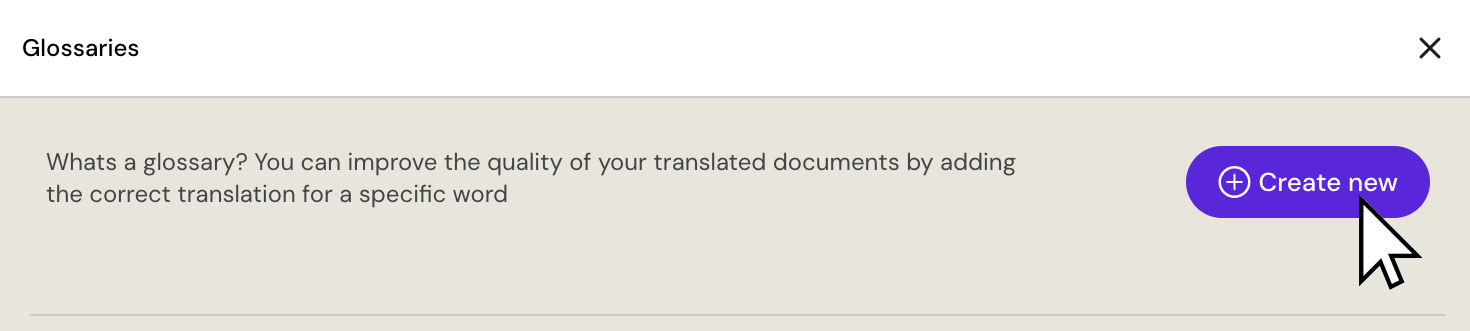
Click Create new.
-
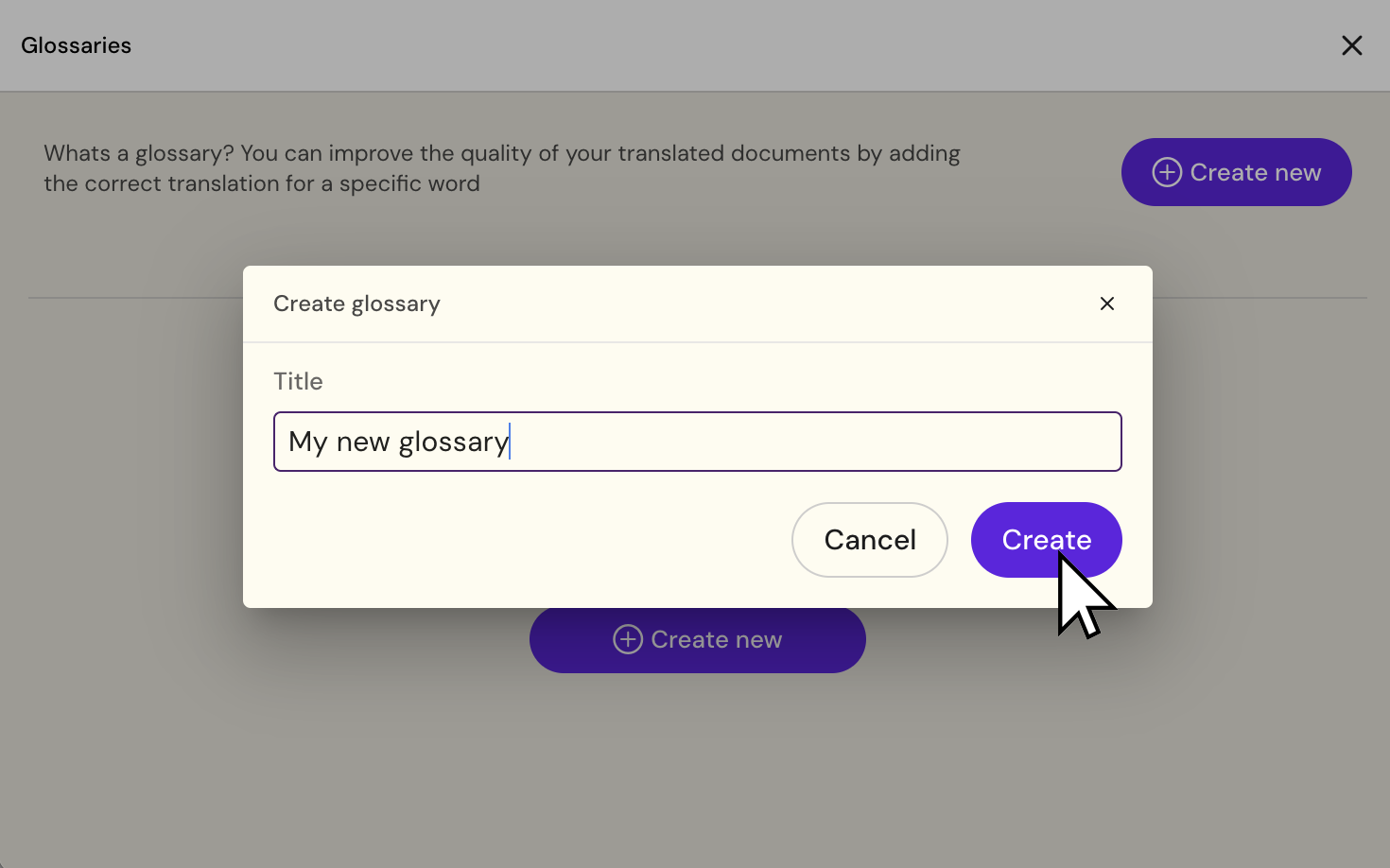
Enter a name for your Glossary and click Create. You can rename it later.
-
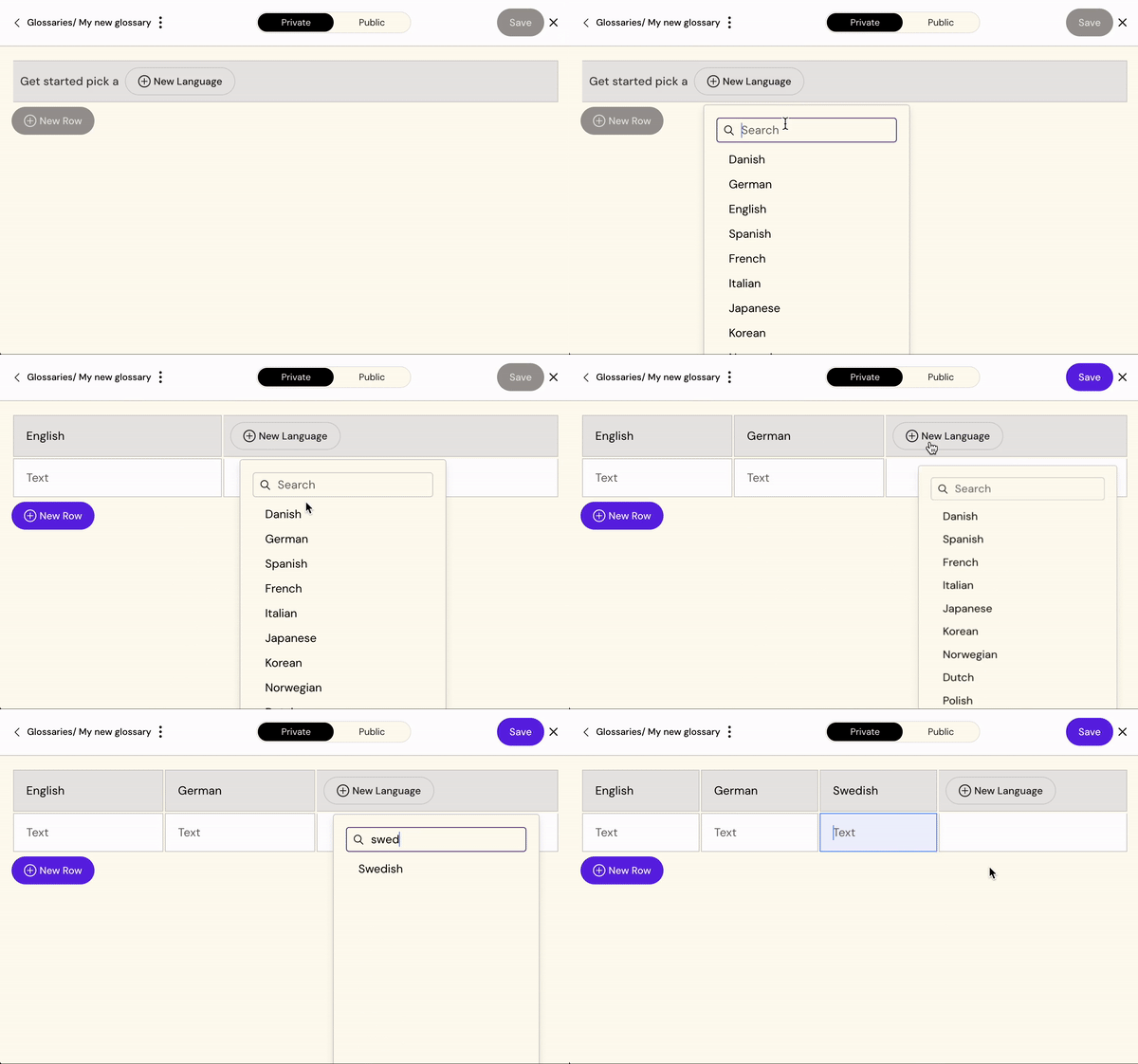
Click New language and search for each language you need. Repeat for all required languages.
-
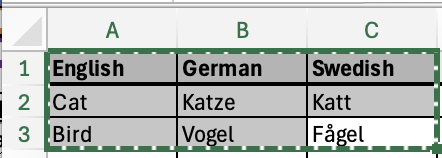
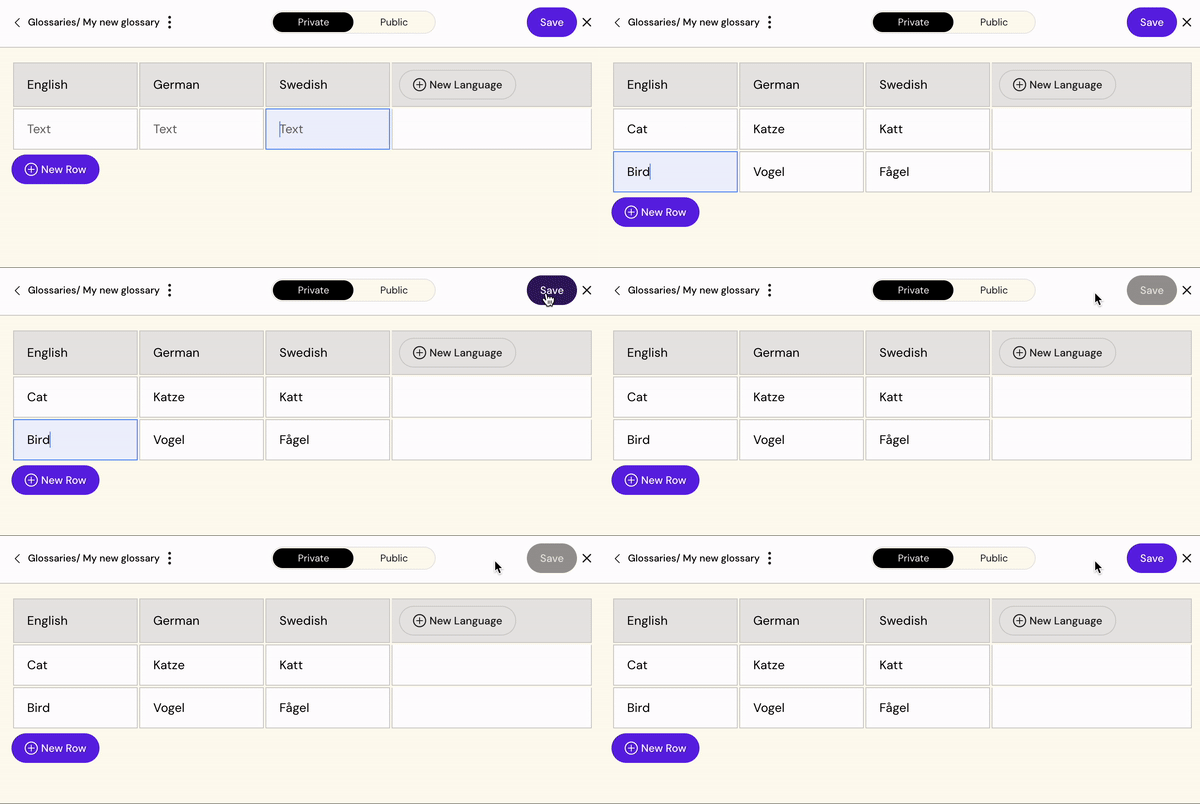
Add your terms by typing directly into the table, or copy rows from an Excel sheet and paste them in.
-
Click Save.
Editing a Glossary
-
Open Edit Glossaries from the User menu.
-
Find your Glossary and click Edit.
-
From the editor you can:
-
Add new languages with the New language button
-
Add new term rows with the New Row button
-
Paste data directly from an Excel sheet
-
Change the Glossary between Private and Public
-
-
Click Save when done.
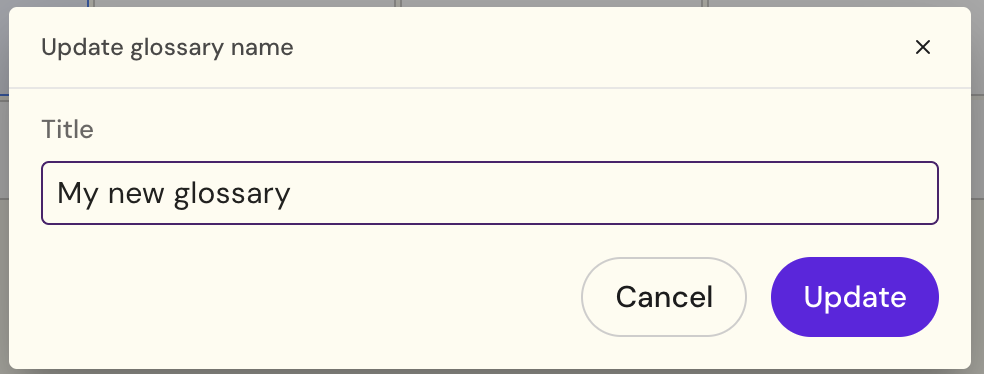
Renaming a Glossary
-
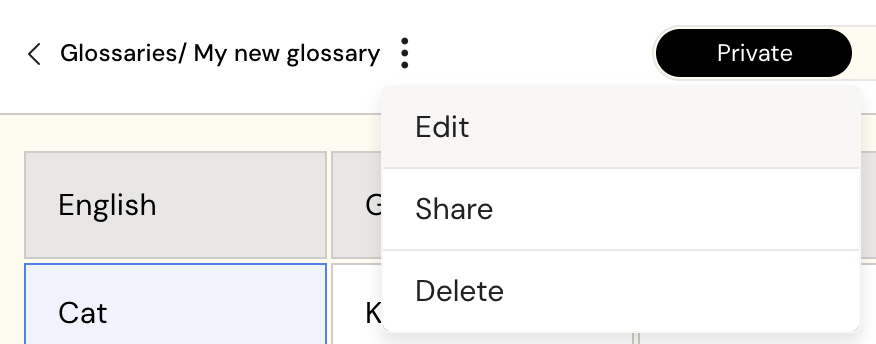
In the Glossary list, click the ⋯ menu next to the Glossary you want to rename.
-
Select Edit.
-
Update the name and click Save.
Using a Glossary in a Translation
When translating a file in My Files, the Glossary dropdown appears in the translation dialog. Select the Glossary you want to apply and proceed — Arcane will use your defined terms for that translation. If no Glossary is selected, Arcane translates without one.
The dropdown shows all Public Glossaries configured for the language pair, plus any Private Glossaries you own (Glossary Editor role required for your own Private Glossaries to appear).
Glossaries only apply when the language pair in the translation matches the languages configured in the Glossary.