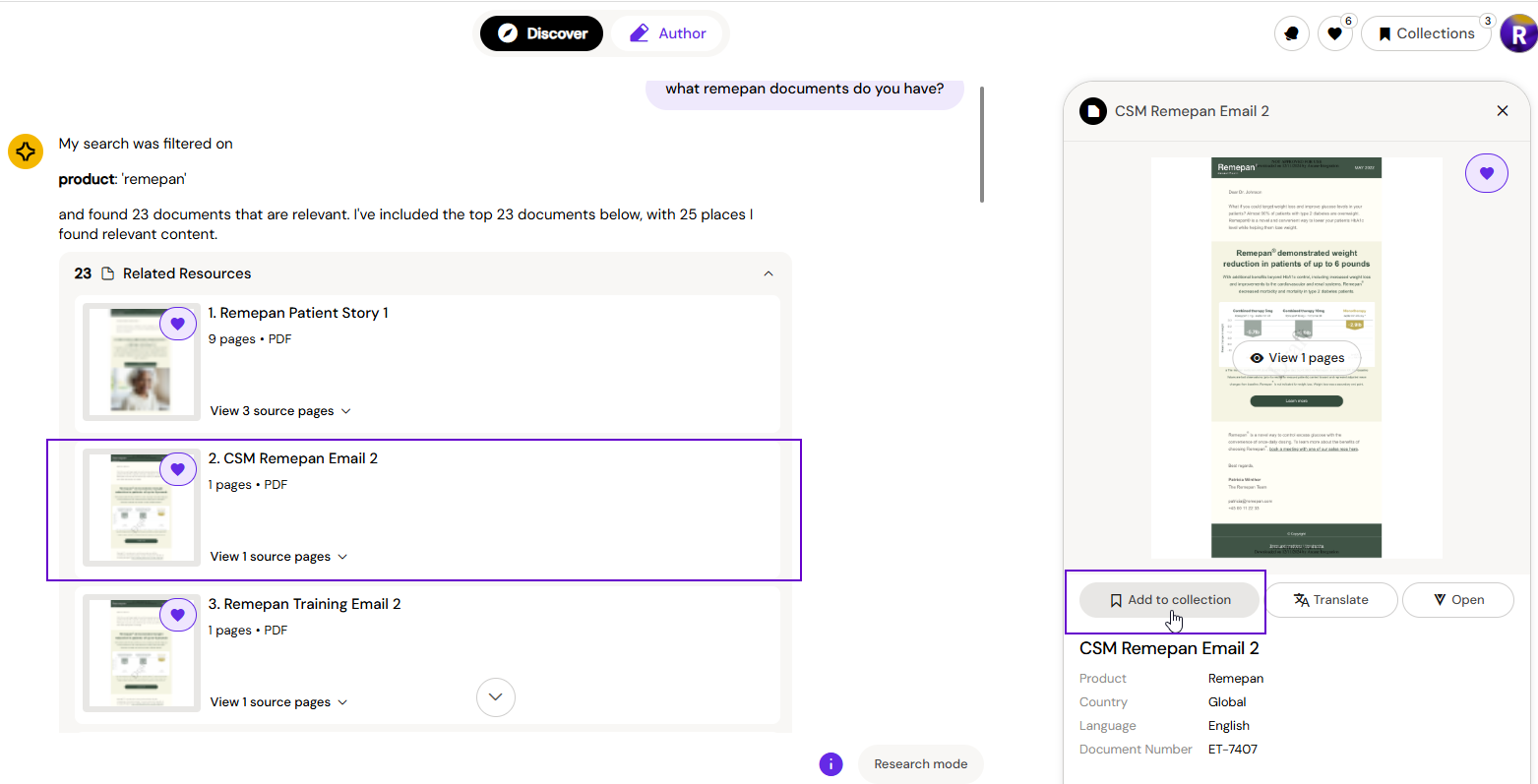
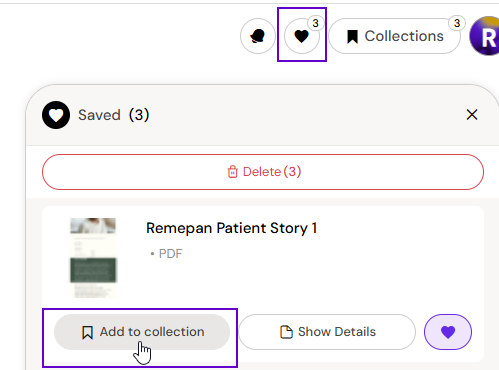
Documents cannot be added to a Collection from within the Collection itself. Instead, you can add a document to a Collection whenever you encounter one — whether that's while browsing your Favorites or viewing a document Preview.
Adding a document to a Collection:
-
Navigate to your Favorites or open a document Preview
-
On the document, select the option to add it to a Collection
-
Choose the Collection you want to add it to
Removing a document from a Collection:
Open the Collection, find the document, and click the remove icon.
A Collection must contain at least one document to use it in Authoring Assist.