
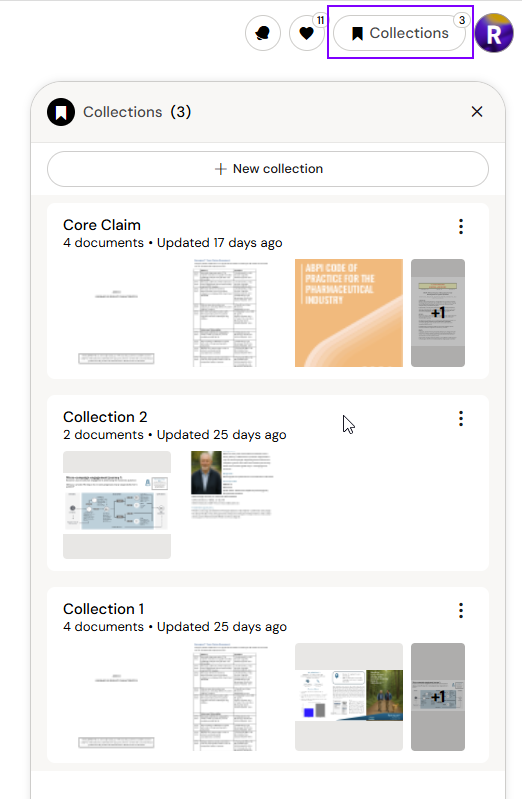
By default, Content Assist searches your full library. When you open a Collection from the sidebar, Arcane switches context and limits all subsequent responses to documents within that Collection. The conversation header will show the active Collection name.
Any conversation you start while a Collection is open is scoped to those documents only.
Switching Back to the Full Library
To return to searching the full library, click the back arrow next to the Collection name in the sidebar. Arcane reverts to the full library context for any new questions from that point.