
Research Mode is a capability within Discover that expands your search beyond your internal document library to include PubMed — giving you access to over 40 million peer-reviewed papers, clinical guidelines, and published studies alongside your organisation's approved content.
Use Research Mode when you need to find, compare, or synthesise published science in relation to your internal materials — for example, aligning a new clinical study with existing approved messaging, or exploring a therapeutic area before creating content.
Activating Research Mode
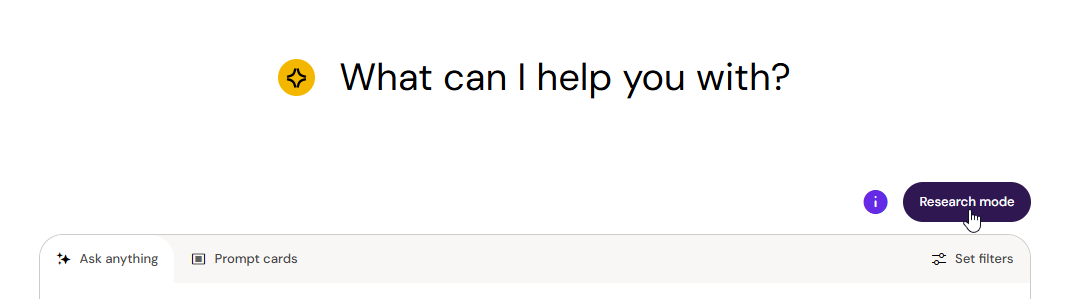
Toggle Research Mode on using the toggle located directly above the conversation input. When Research Mode is active, Arcane searches both your internal library and PubMed with every query.
What's different about Research Mode
Broader search scope — Arcane searches both your internal library and PubMed simultaneously, combining semantic and keyword matching across all document content. You don't need to search them separately or know in advance where the relevant information lives.
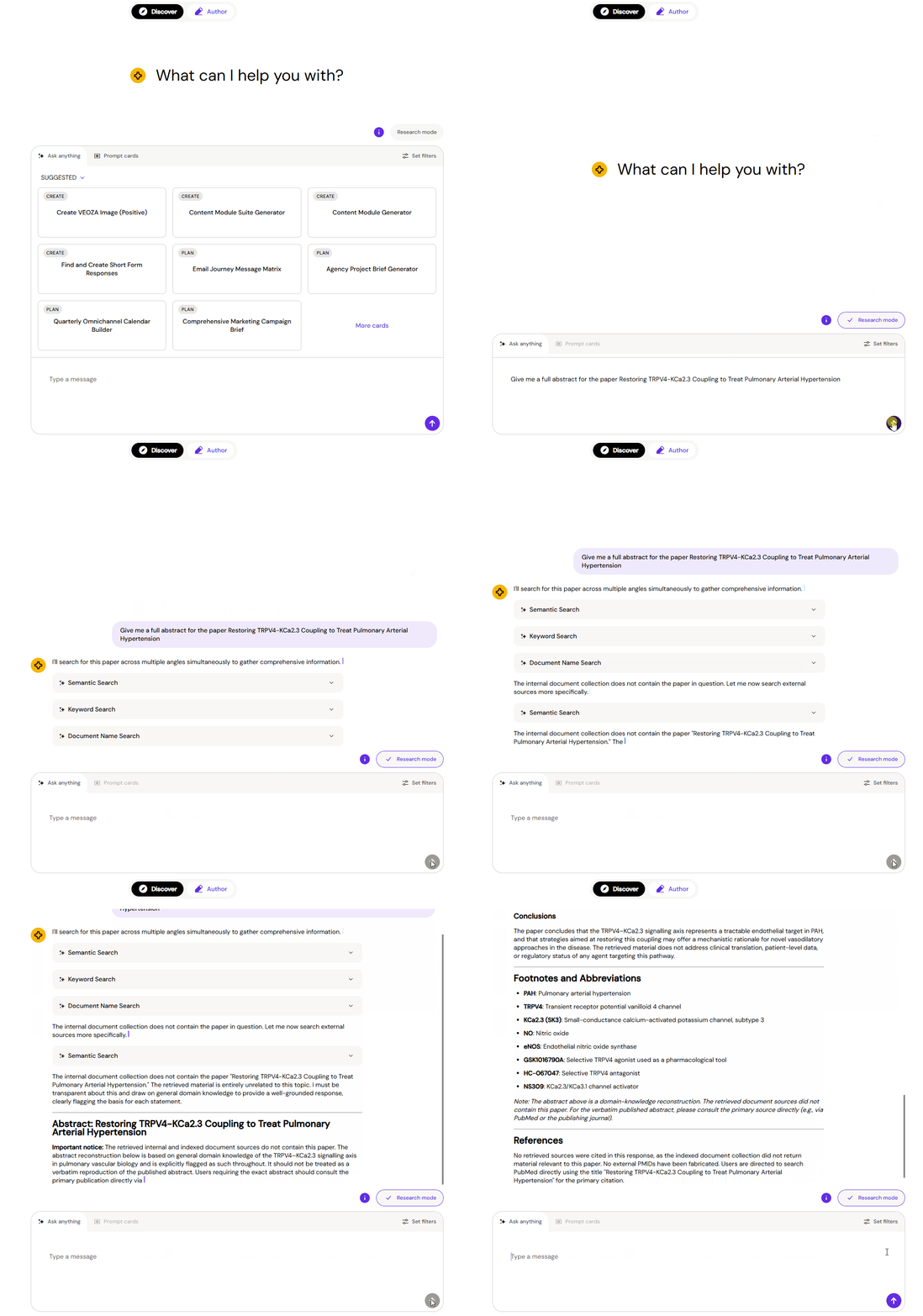
Mixed citations — Responses cite both internal documents and external PubMed papers in the same reply. Every claim is traceable back to its source, whether that's an approved internal document or a published journal article. You can verify any reference in seconds.
Persistent conversation thread — Research Mode holds the full context of your conversation as you go. You can refine your query, pull in related studies, compare findings against internal material, and build toward a conclusion — all without starting over. Earlier findings remain available throughout the session.
Better handling of complex requests — Research Mode understands instructions to rewrite, edit, filter, or reshape content. This lets you move from an initial question to a ready-for-review piece of content within a single session.
Asking questions in Research Mode
Research Mode understands plain language questions in any language. There are no special commands or syntax required.
Some examples of what works well:
-
"What does our approved content say about the SUSTAIN-7 trial, and is there any recent published data that corroborates it?"
-
"Find published studies on Remepan's efficacy in elderly patients and compare them with our internal clinical summaries"
-
"Summarise the latest guidelines on HbA1c targets and note where our content aligns or differs"
-
"Rewrite the key findings from this conversation as a bullet-point brief I can share with my team"
Citations and source verification
All Research Mode responses include citations. Internal documents are referenced the same way as in standard Discover — click the citation to open the document at the relevant passage. PubMed references include publication details and a link to the paper.
Because responses can draw from both sources at once, always check whether a cited claim comes from an approved internal document or from external published literature before using it in regulated materials.
Note — PubMed content is publicly available published research. It has not been reviewed or approved by your organisation. Always confirm that any external reference is appropriate for your use case before incorporating it into regulated content.