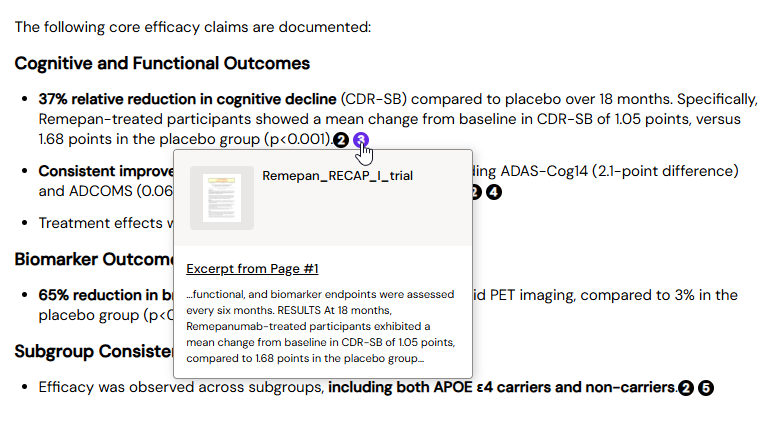
Every Content Assist response includes numbered citation markers linking each statement to its approved source. This makes it easy to verify any claim without searching through Vault manually.
-
Hover over a citation number to preview the source text snippet and document name.
-
Click a citation to open the full document in the right panel, scrolled to the exact passage.