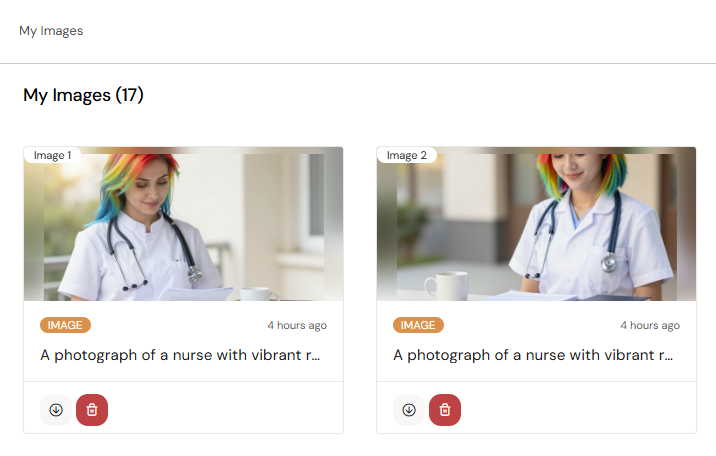
My Images is your personal gallery of AI-generated images. Every image you generate in Arcane is saved here automatically. From My Images you can generate new images, remix existing ones, and insert images into any email via the Media Browser.
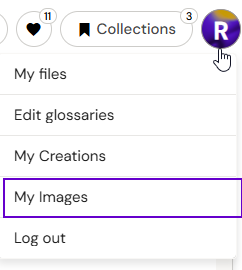
Access My Images from your avatar menu in the top-right corner of the screen.
📸 SCREENSHOT — My Images gallery: a grid of generated images, each with a context menu visible on hover showing Remix and other options.
Generating an Image
-
Open My Images from your avatar menu.
-
Click Generate (or the new image button).
-
Select a Style from the curated list — styles control the visual direction and help align generated images with your brand or campaign.
-
Type a description of the image you want (e.g., "healthcare professional in a modern clinical setting, warm lighting").
-
Arcane generates the image and saves it to your gallery automatically.
Custom styles for your brand or campaigns can be created by your Anthill team. Contact Anthill to request this.
📸 SCREENSHOT — Image generation panel: Style selector on the left, prompt input at the top, generated result displayed centrally.
Note — Arcane will not generate images of charts, plots, or graphs. Use approved chart assets from your library instead.
Remixing an Image
Remixing creates a new variation based on an existing image while preserving the overall composition.
-
Hover over any image in your gallery.
-
Click Remix from the context menu.
-
Arcane generates a variation. The new image is saved to your gallery and linked back to the original for reference.
Use remixing to create market-specific variations — for example, instructing Arcane to adapt the subject for a different region while keeping the scene and style intact.
Using Images in Emails
Images saved in My Images are available in the Media Browser when editing an email in Authoring Assist. To insert one:
-
Click any image placeholder in your email.
-
Click Replace to open the Media Browser.
-
Browse or search for your image and click to insert it.
See Working with Images for full detail on the Media Browser and image management within emails.
Managing Your Gallery
Images in My Images are private to your account. They are not shared with colleagues unless included in a shared conversation or email.
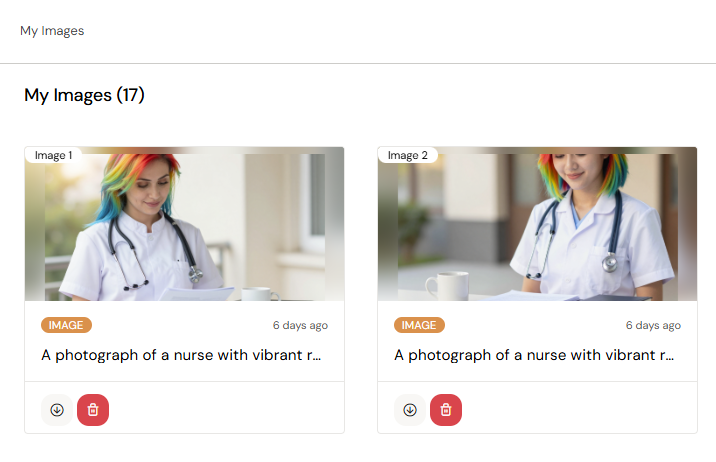
📸 SCREENSHOT — My Images gallery with a context menu open on one image, showing available actions.