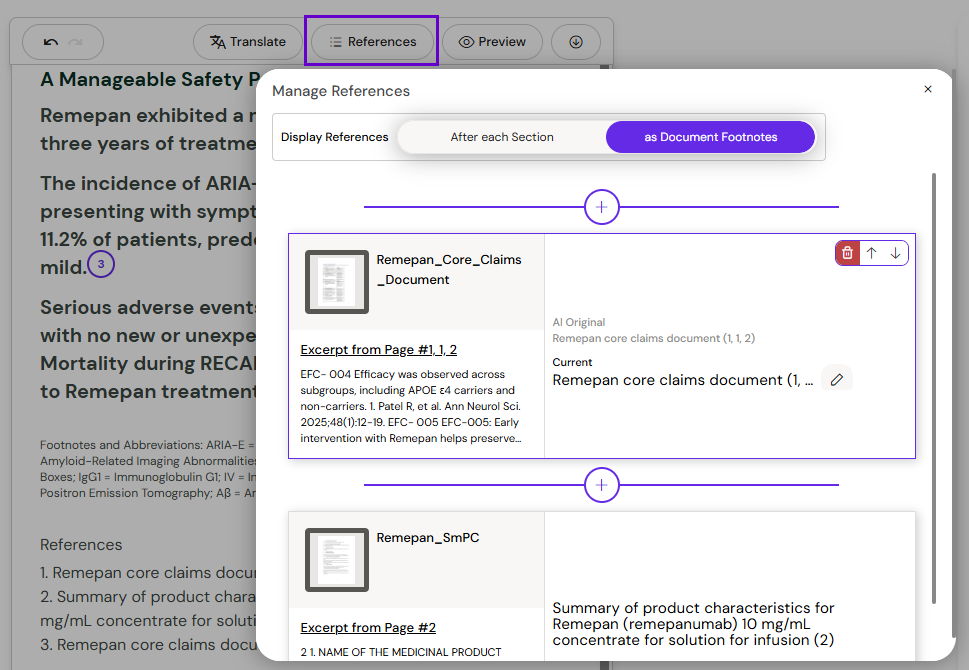
Arcane automatically manages your citations and footnotes as you author. Every claim is linked to its approved source, and citation numbering stays accurate as you add, remove, or rearrange content.
How Automatic Citations Work
When Arcane generates content for a layout, it attaches numbered citation superscripts to statements sourced from your Collection documents. Hover over a citation to preview the source text; click to open the document at the relevant passage.

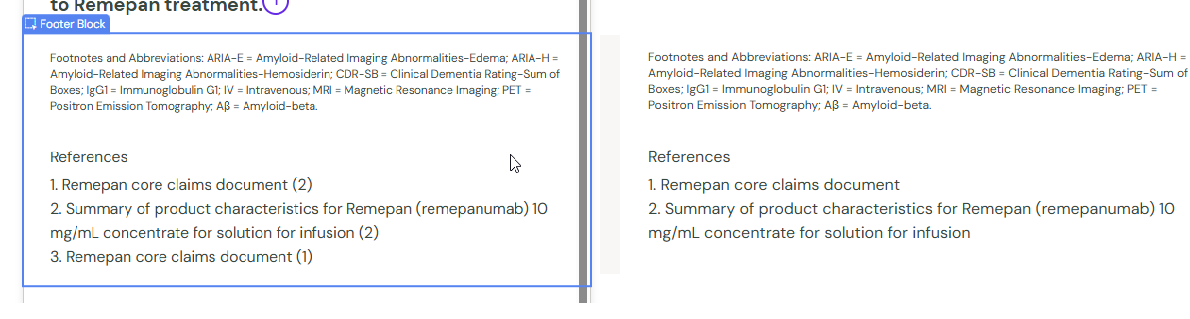
Automatic Footnotes
A footnotes section is automatically created and maintained at the bottom of your email. In authoring mode, each cited page gets its own entry. In Preview and in the downloaded HTML, citations are renumbered and grouped per source document.
Managing & Editing References
-
Open the References panel.
-
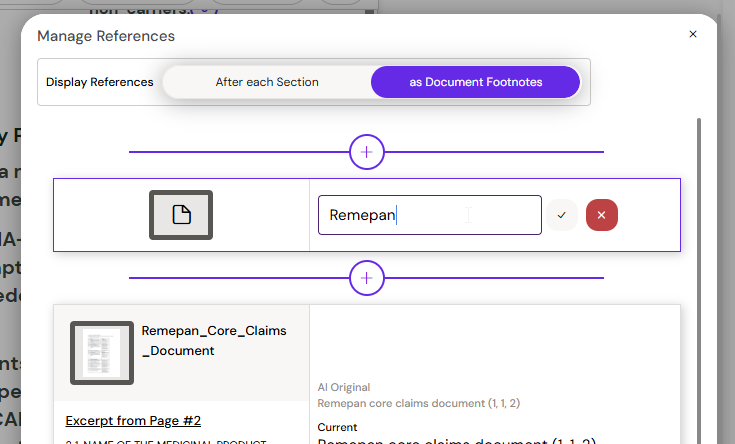
Search for and add any additional Reference documents beyond those Arcane cited automatically.
-
Once added, you can manually edit the generated footnote text for any Reference.
Arcane extracts author, organisation, publication date, and DOI automatically from every imported document — so Vancouver-formatted footnotes are generated without manual input.